· DataEase · Tutorials
Bulk Update Product Status
Bulk change Shopify product status with DataEase. Export products, set command=UPDATE and status (ACTIVE/DRAFT/ARCHIVED), validate, and re-import safely.
Bulk change Shopify product status with DataEase. Export products, set command=UPDATE and status (ACTIVE/DRAFT/ARCHIVED), validate, and re-import safely.

Schedule Shopify product publishing on a future date/time in bulk. Export products, set publicationScope columns (IsPublished/PublishedAt), validate, and import with DataEase.
Bulk update Shopify product URLs by editing the handle field. Export products, set command=UPDATE with new handles, validate, import—and add redirects to avoid 404s.
Bulk-edit Shopify inventory in minutes. Export variants, update Inventory quantity (total) or Inventory quantities (per location), validate, and re-import with DataEase.

Bulk-increase Shopify prices fast - export variants, calculate new prices in Excel (percent or fixed), set Variant Command=UPDATE, re-import with DataEase, validate, and apply.

Hide many out-of-stock products in Shopify at once. Export with DataEase, set command=UPDATE and status=DRAFT for zero-stock items, validate, and re-import.

Archive many Shopify products at once with DataEase. Export, mark UPDATE, set status=ARCHIVED, then re-import—safe CSV/Excel workflow with ID/handle matching.

Bulk change Shopify product templates in minutes. Export products, set command=UPDATE and templateSuffix to your theme’s suffix (e.g., featured), then re-import with DataEase.
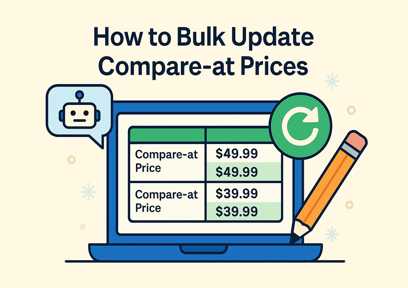
Need to run a big sale or fix incorrect pricing? This guide shows how to bulk update compare-at prices for your Shopify products using DataEase in just a few steps - no coding needed.

Tags are powerful for organizing your store. DataEase lets you manage them easily across different Shopify entities using simple commands.