· DataEase · Tutorials
Bulk Add Line Items to Orders
Bulk-add line items to existing Shopify orders with DataEase. Use itemCommand=CREATE on line rows with variantId or variantSKU, validate, and import—totals update automatically.
Bulk-add line items to existing Shopify orders with DataEase. Use itemCommand=CREATE on line rows with variantId or variantSKU, validate, and import—totals update automatically.
You can't truly bulk delete real Shopify orders. With DataEase, bulk cancel (archive) orders instead, or DELETE Draft Orders in bulk. Export, mark actions, validate, and import safely.
Bulk-refund Shopify orders with DataEase, issue full or partial refunds, restock items, and notify customers. Export orders, set action=REFUND (plus line-level details as needed), validate, and import.
Remove the customer association from Shopify orders in bulk with DataEase. Export orders, set command=UPDATE, clear customerId (and email if needed), validate, and import.
Bulk-unfulfill Shopify orders with DataEase, revert fulfilled items to Unfulfilled, optionally restock inventory and set a restock location. Prepare action=UNFULFILL (line-level itemCommand=UNFULFILL for partial), validate, and import.
Export Shopify orders with DataEase, filter by date/status/channel, choose identifiers, customer, money, addresses, and line items, then download CSV/Excel. Optionally schedule recurring exports to a fixed link.
Archive Shopify orders in bulk using DataEase, export orders, set action=CANCEL for selected rows, validate, and import—fast, reliable archiving at scale.
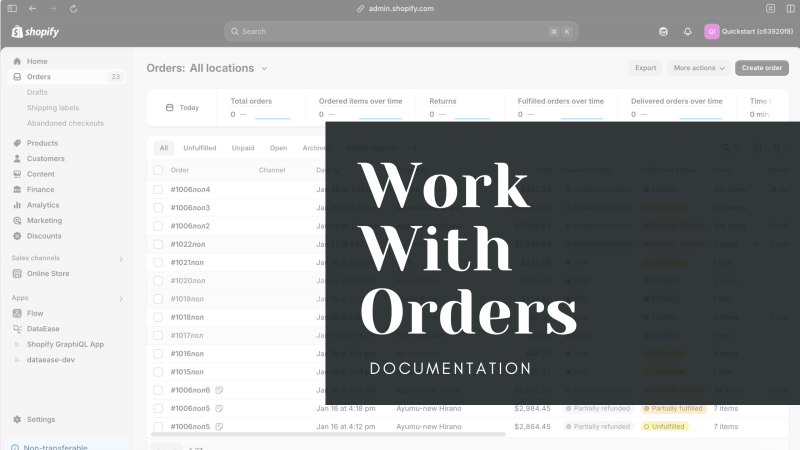
Manage Shopify orders in bulk with DataEase. Export, edit, and import order data, including line items, addresses, and transactions.
Export Shopify payout data in bulk with DataEase. Analyze transactions, fees, and net amounts for streamlined financial reporting.