Export Shopify Inventory
Export Shopify inventory with DataEase—get per-location Inventory quantities (dynamic columns) and total Inventory quantity. Filter by Inventory locations, Collection ID, and more, then download CSV/Excel.

Export Shopify inventory with DataEase—get per-location Inventory quantities (dynamic columns) and total Inventory quantity. Filter by Inventory locations, Collection ID, and more, then download CSV/Excel.

Export Shopify product images with DataEase. Select Media (with one-row grouping), add IDs/handles, filter by Collection ID or tags, and download a clean CSV/Excel for audits or migrations.

Export Shopify orders with DataEase, filter by date/status/channel, choose identifiers, customer, money, addresses, and line items, then download CSV/Excel. Optionally schedule recurring exports to a fixed link.

Understand how to use Shopify metafields with DataEase. Learn about dynamic columns, field formats, update rules, and character limits.

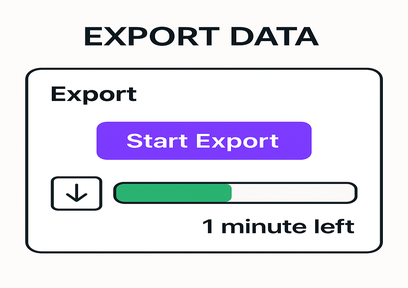
Learn how to export Shopify data easily with DataEase. This guide walks you through choosing formats, selecting entities, customizing fields, and downloading your export file.

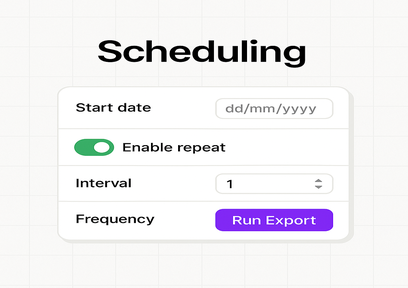
Learn how to schedule export and import tasks in DataEase to automate syncing your Shopify store with other systems.

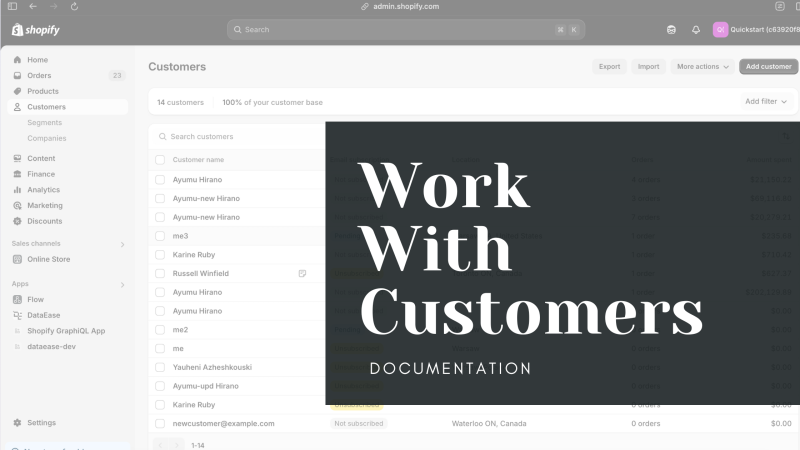
Simplify Shopify customer management with DataEase. Bulk export, edit, and import customer details to keep your store organized.

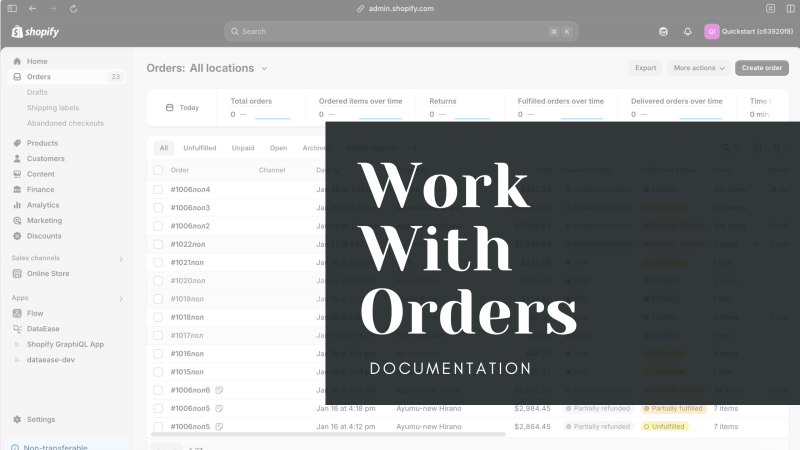
Manage Shopify orders in bulk with DataEase. Export, edit, and import order data, including line items, addresses, and transactions.

Effortlessly manage Shopify products with DataEase. Export, edit, and import bulk product data to optimize your inventory.

Easily manage Shopify product bundles in bulk with DataEase. Export, edit, and import bundles to simplify your store’s product configurations.